How to Reference Another Sheet in Google Sheets (3 Easy Ways)
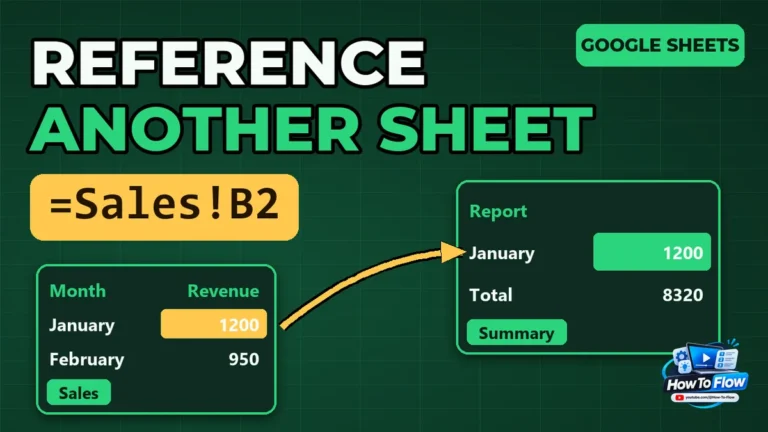
Step-by-step guide with screenshots: pull a value from another tab with =Sheet!A1, build the reference by clicking, and use whole ranges like =SUM(Sales!B2:B7). Updates automatically.
Step-by-step guide with screenshots: pull a value from another tab with =Sheet!A1, build the reference by clicking, and use whole ranges like =SUM(Sales!B2:B7). Updates automatically.

Step-by-step guide with screenshots: sort a whole sheet by one column without moving the header, sort a range by several columns, and use the SORT function for a sorted copy that updates by itself.